Meshy AI Experimentation
Updated: 17 hours ago
This post details my experimentation with using Meshy AI to create models.
Spec Poppi Ad Experimentation:
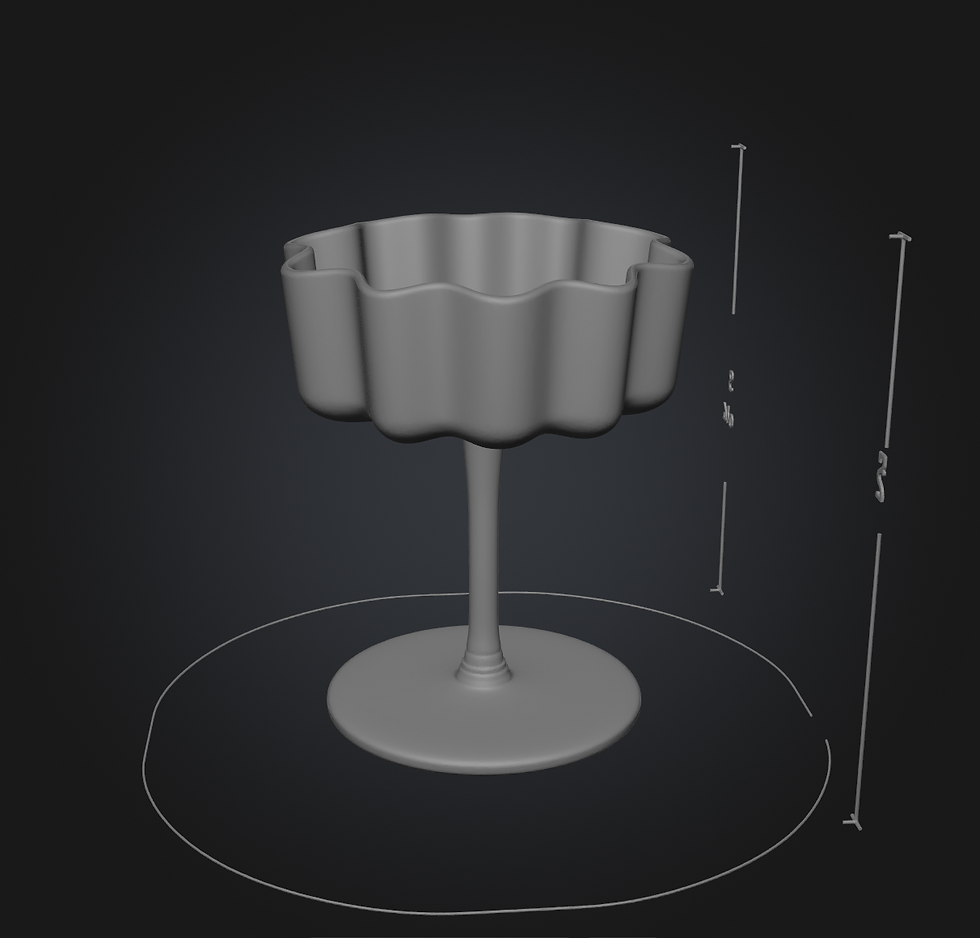
I experimented with feeding the tool an image of a fun glass that could be used to hold a flip fluid.

I also wanted to see if the tool would be able to create a jar that will hold an RBD.


Lastly, I gave MeshyAI the soda can photo that was previously generated from Google Gemini, and tasked it with also creating the texture of the model.
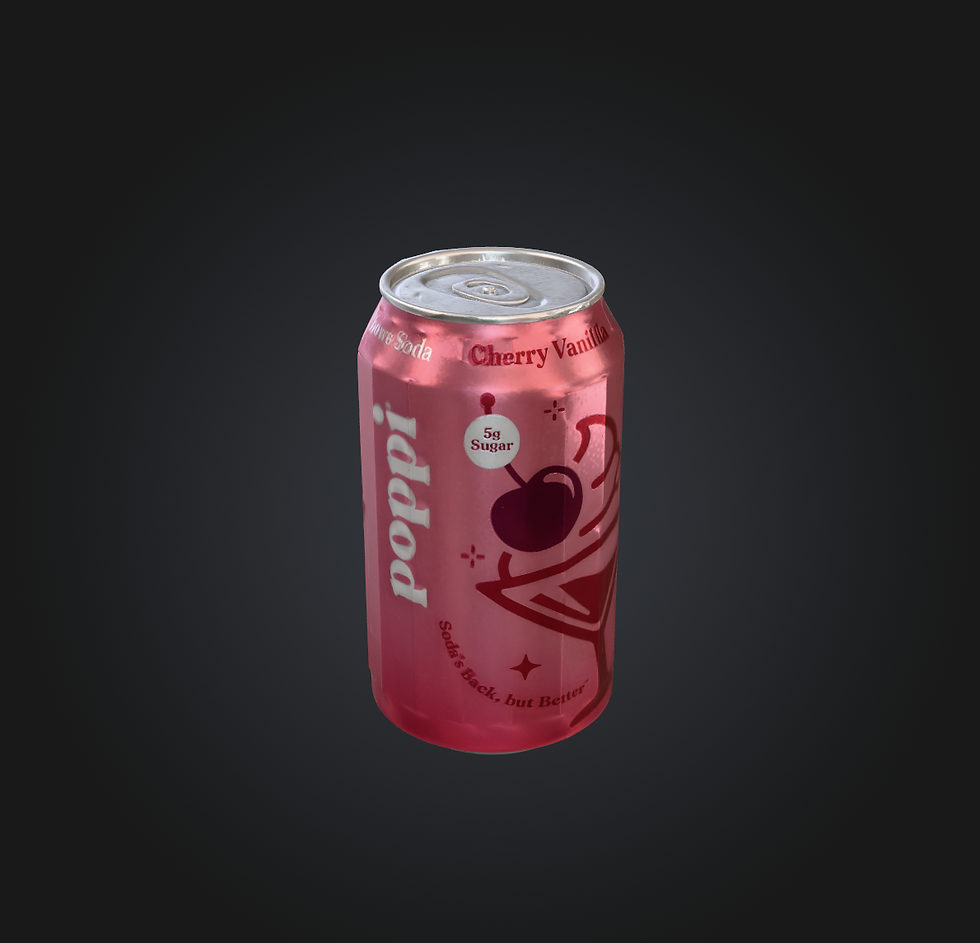
I'm pleased with the glass and the jar model created but the can had a lof of faceting and issues with the texture.
While simulating, I ran into an issue with volume loss. None of the usual settings helped with the issue, so I began wondering if the issue was the model.
For my collision object, I used the model generated from MeshyAI and used both a surface collision and a volume collision, but this issue was still happening.
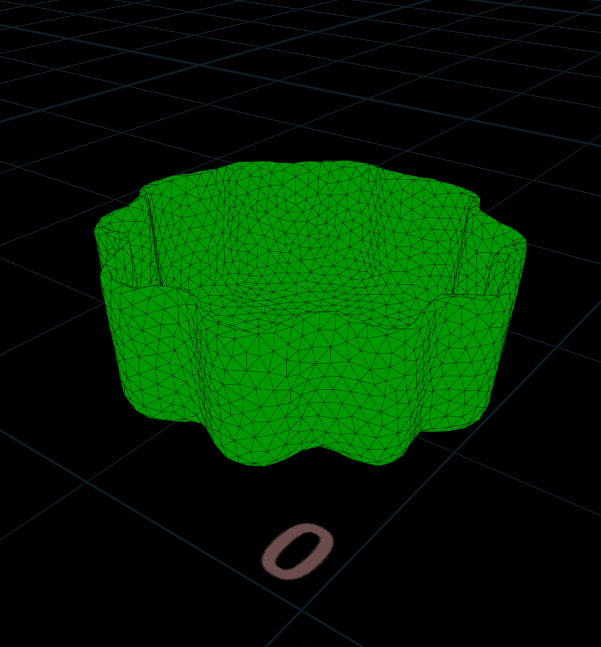

Upon modeling a simple glass shape with my own modeling methods, I was able to get the simulation working without volume loss
Since the MeshyAI glass was giving me issues with the simulation, I decided to instead use it as a guide and model my own glass
Model created after referencing MeshyAI model:
